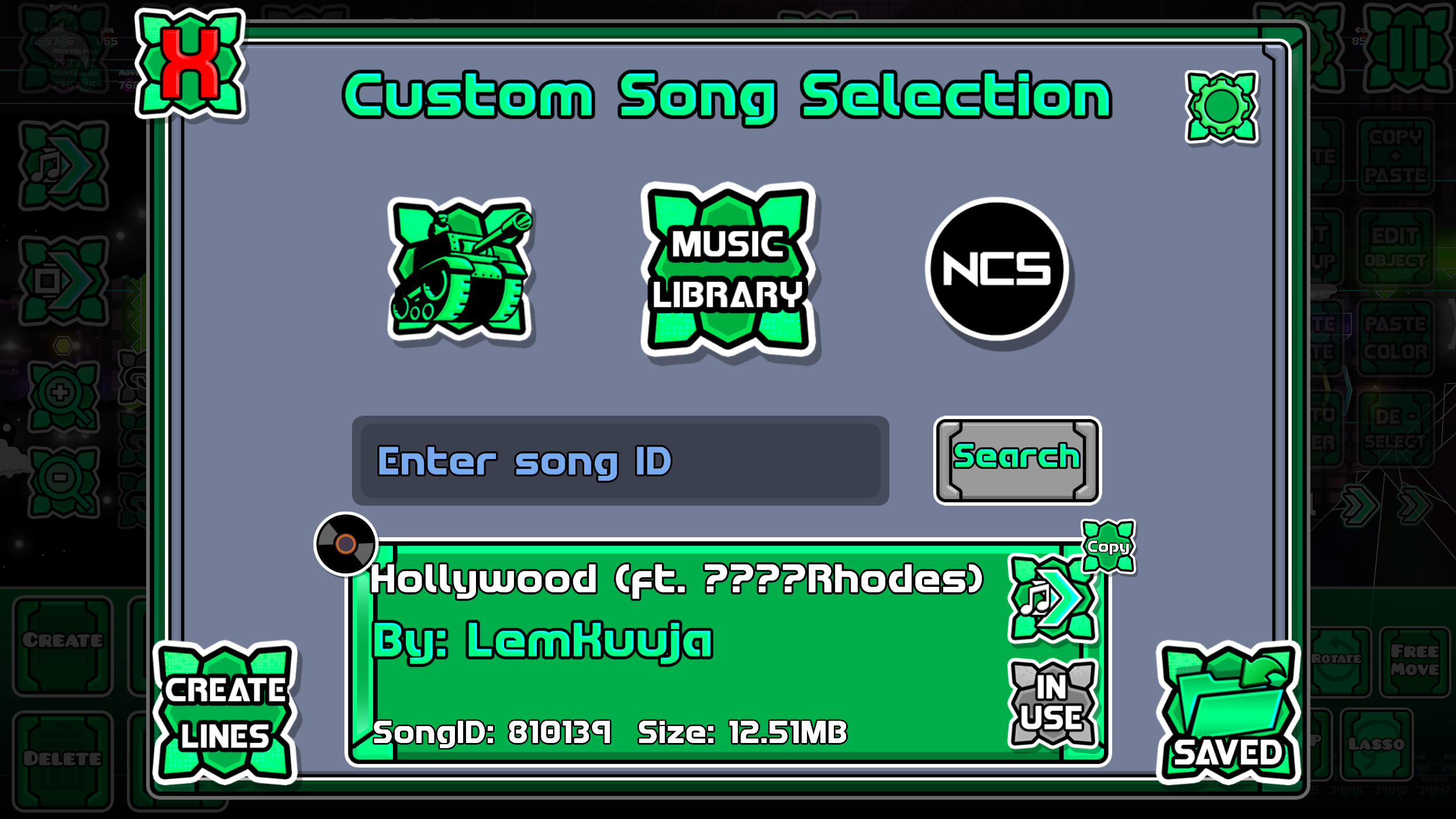
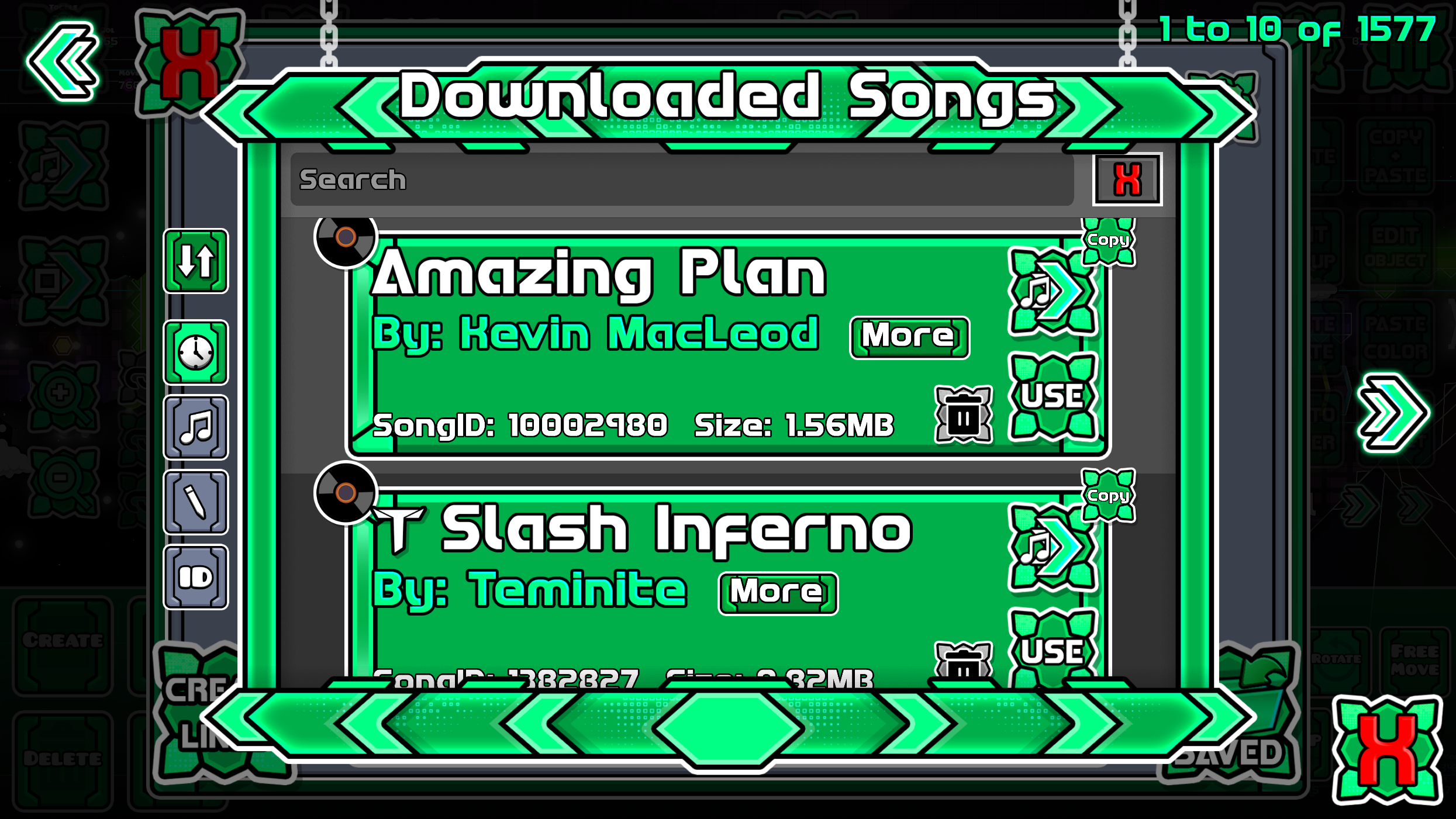
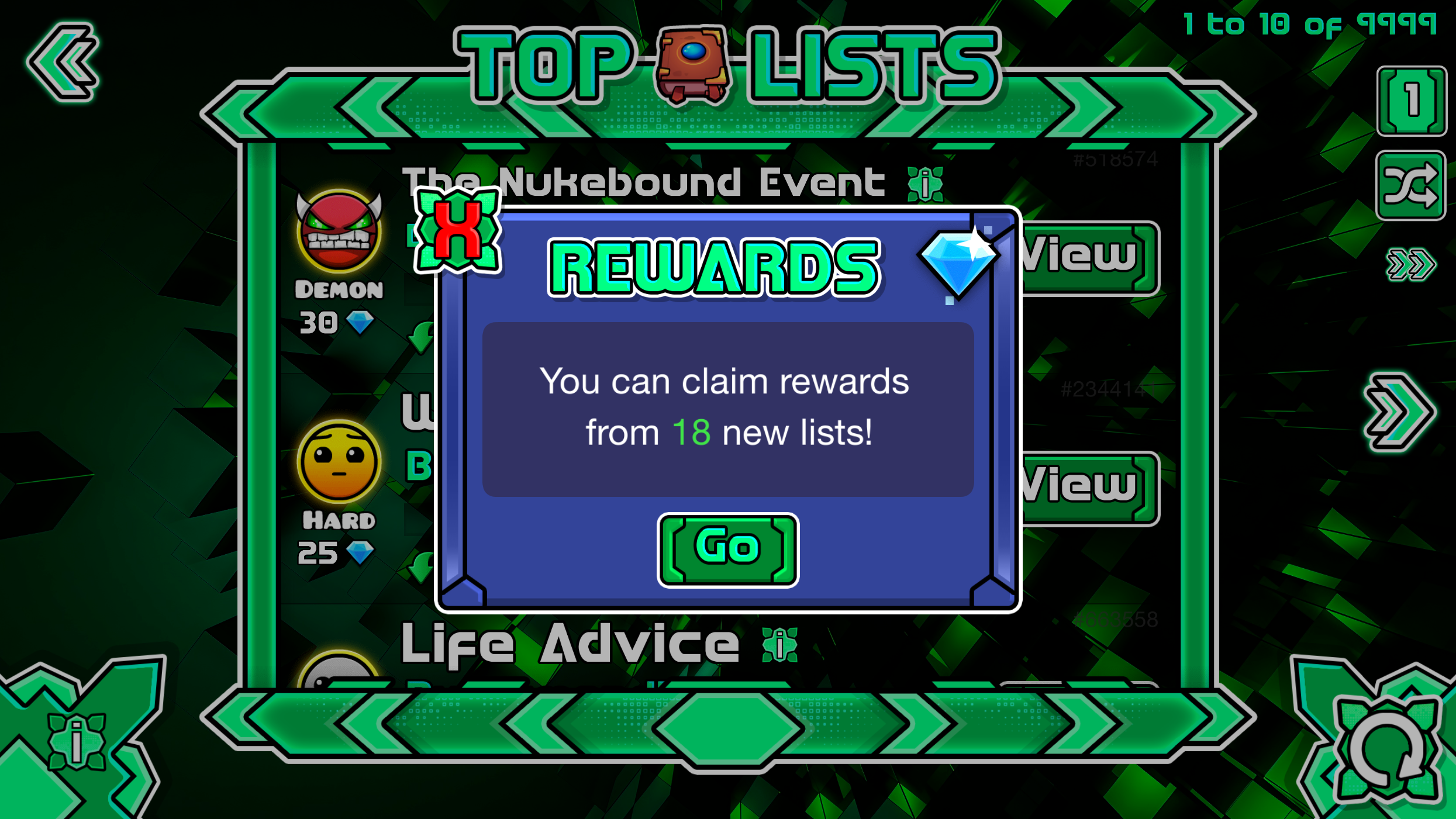
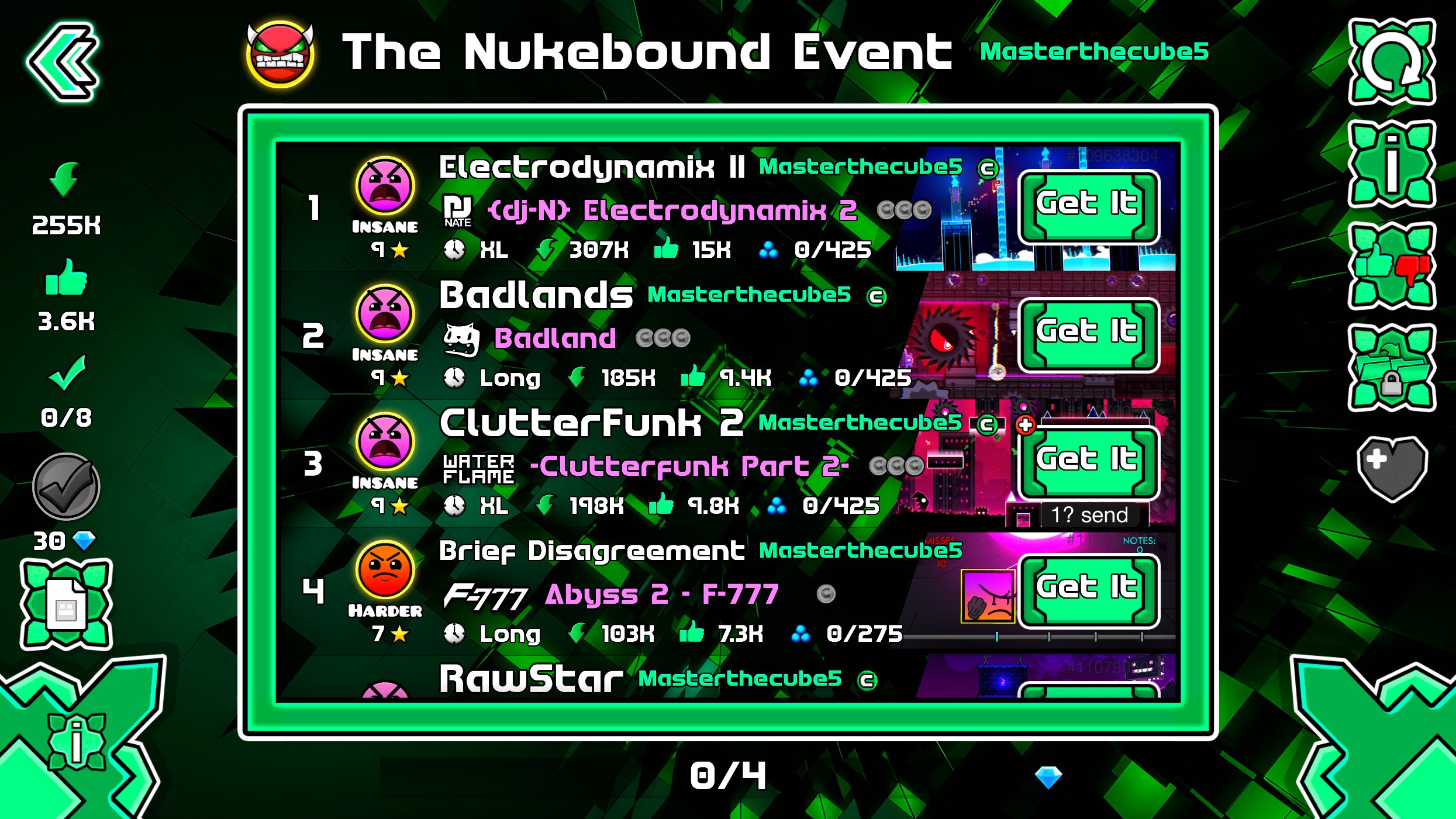
Geode Mods – Texture pack compatibility

Geode Compatible Mods
In this section, you can see all the compatible menus for Geode with our texture packs. It is necessary that you already know how to install a texture pack from our website. If you don’t know yet, please refer to the following guide:
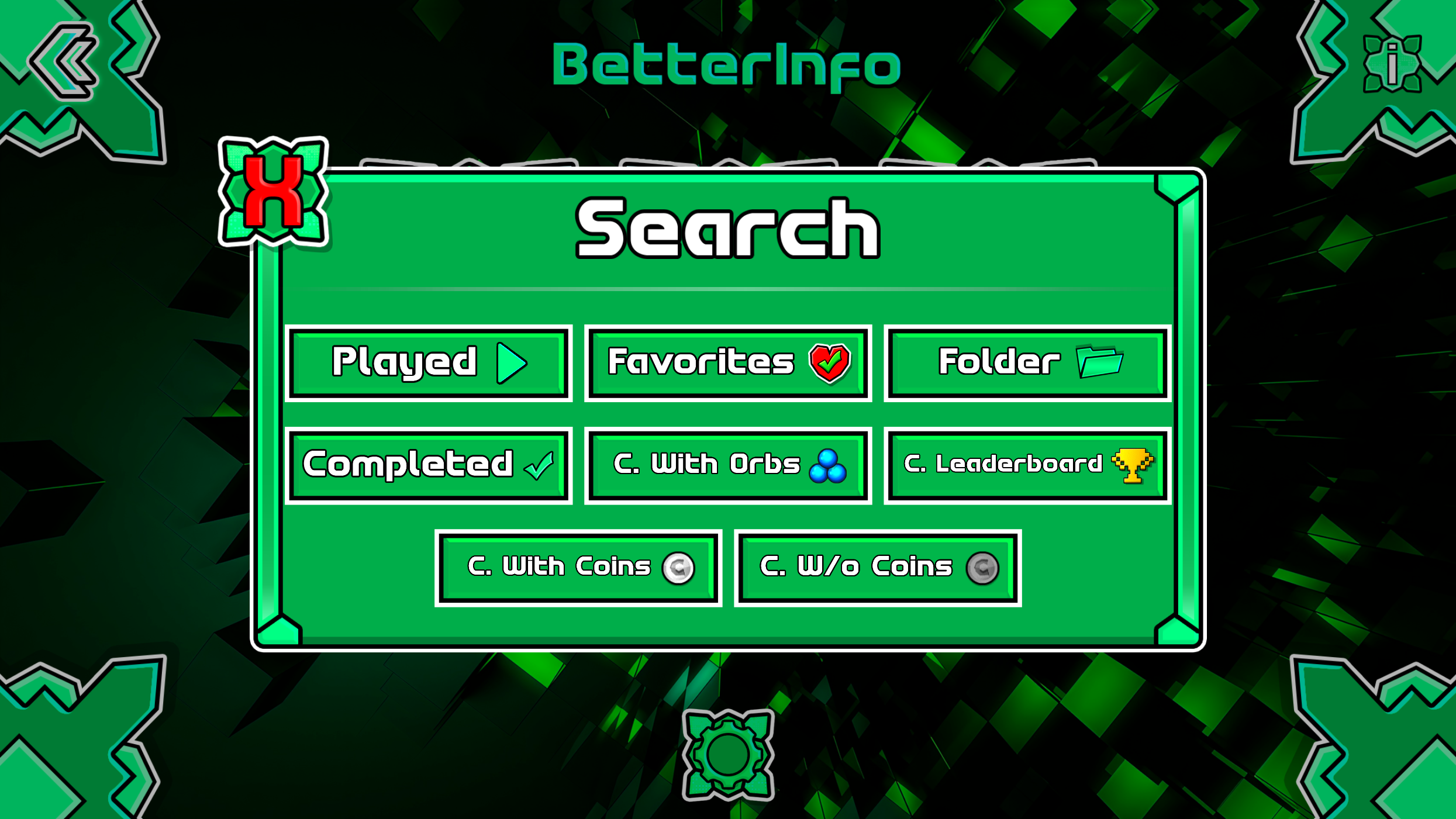
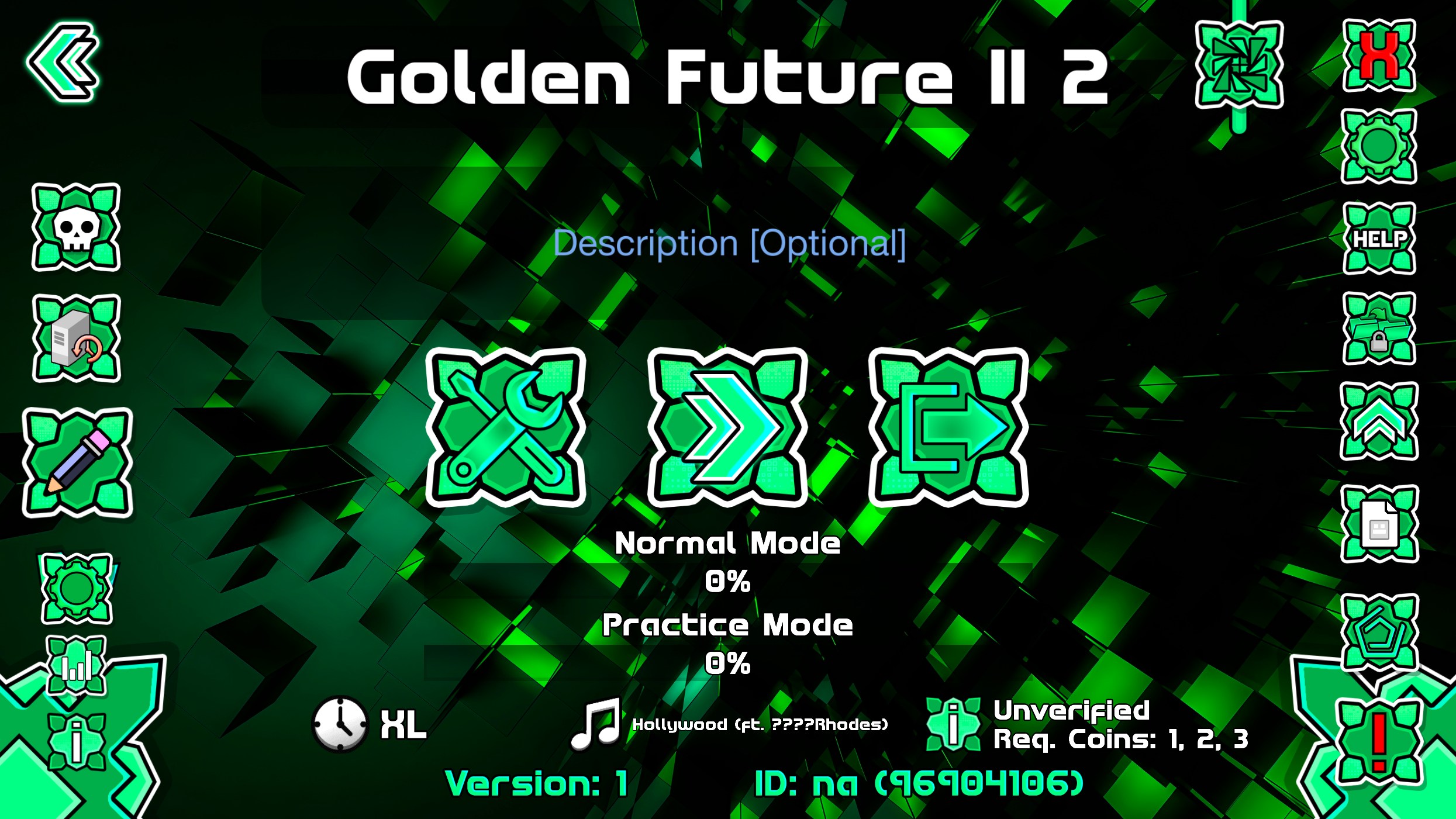
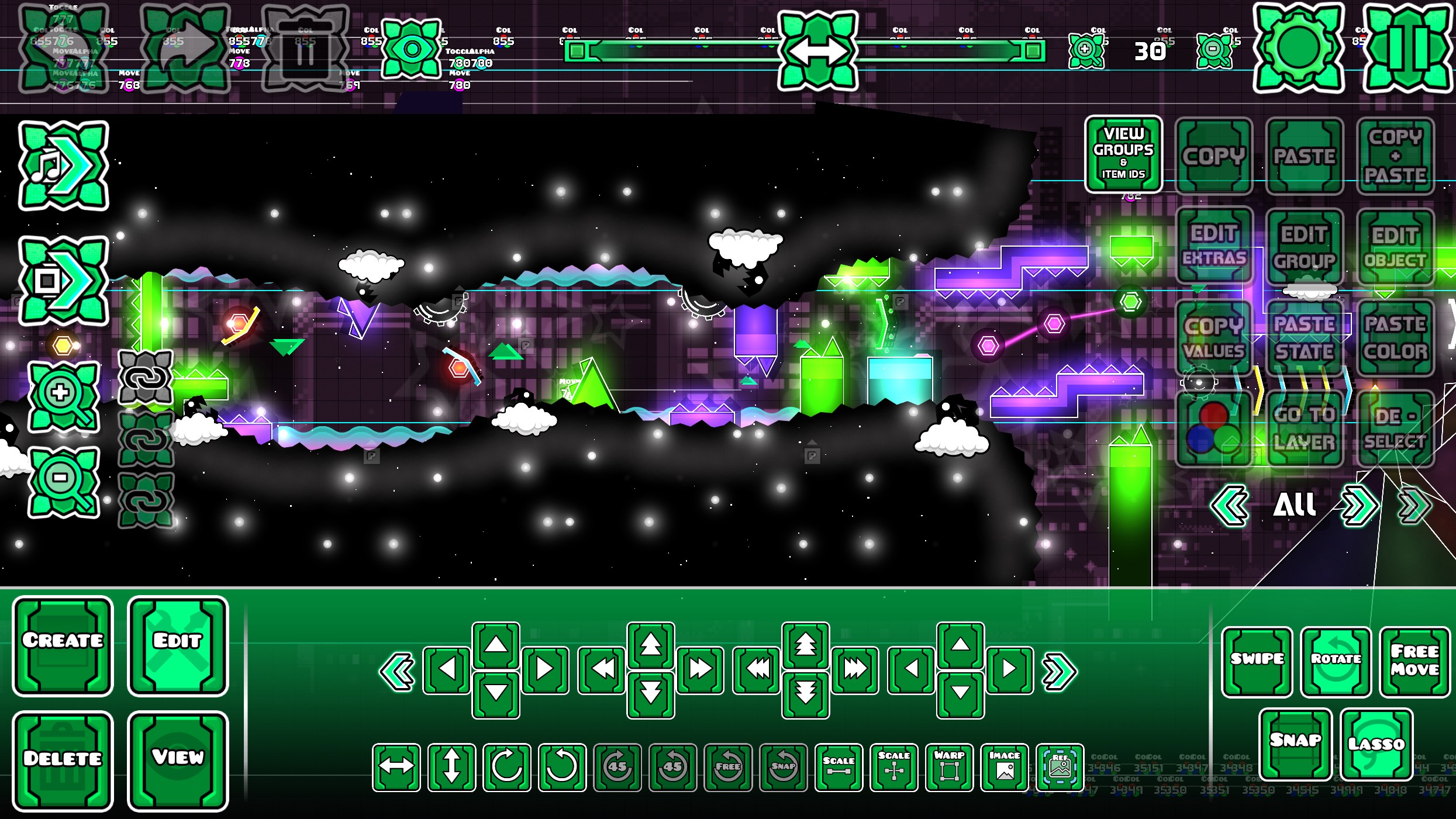
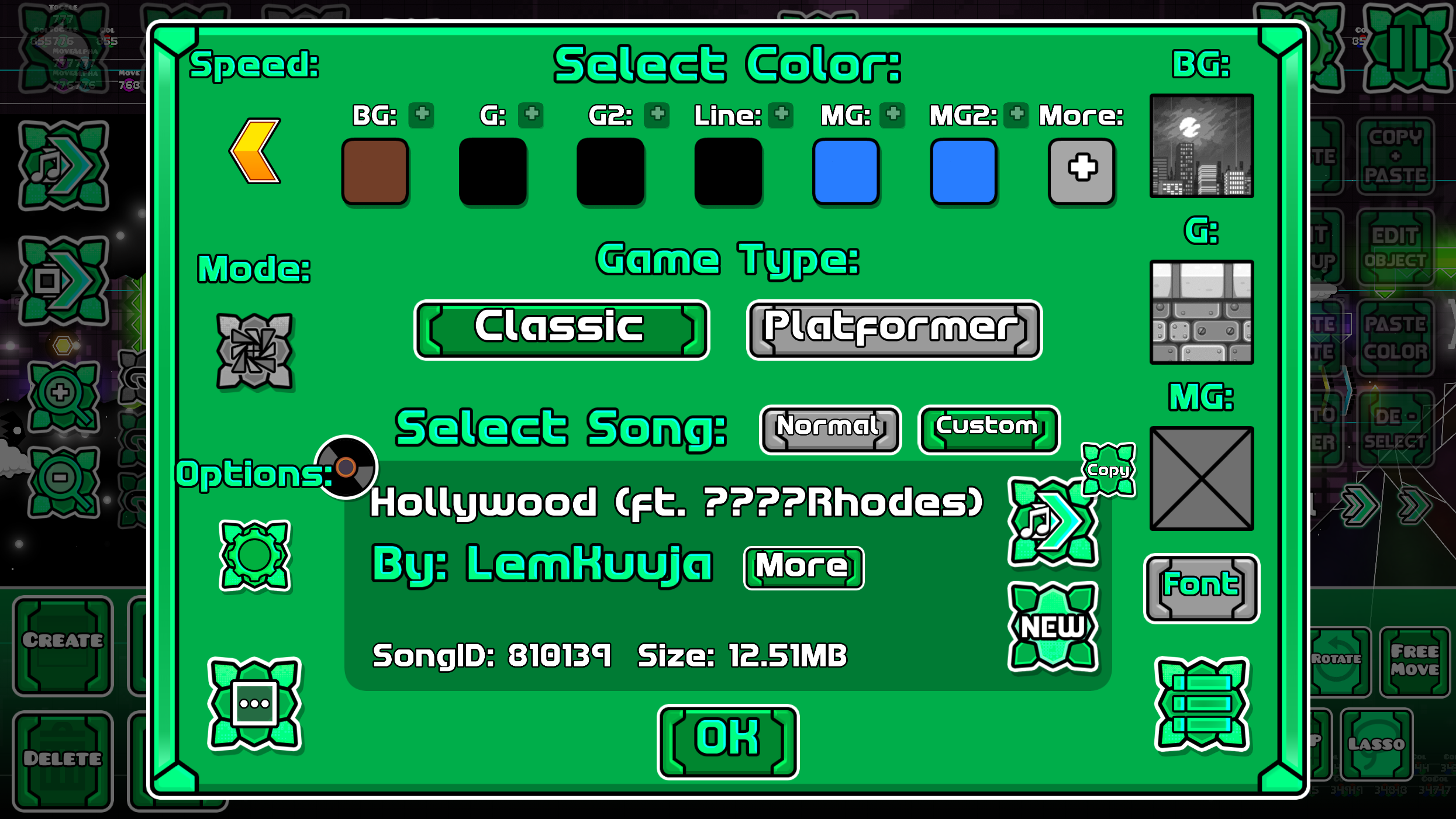
Solubletexturepacks.com texture packs are compatible with most Geode mods, thanks to Geode’s global button sheet called BlankSheet-uhd.png. Therefore, the mods in this list are those that require custom textures.
MANDATORY: You must install Happy Textures :3 and Texture Loader for the texture packs to function correctly.
Page 1 of 1

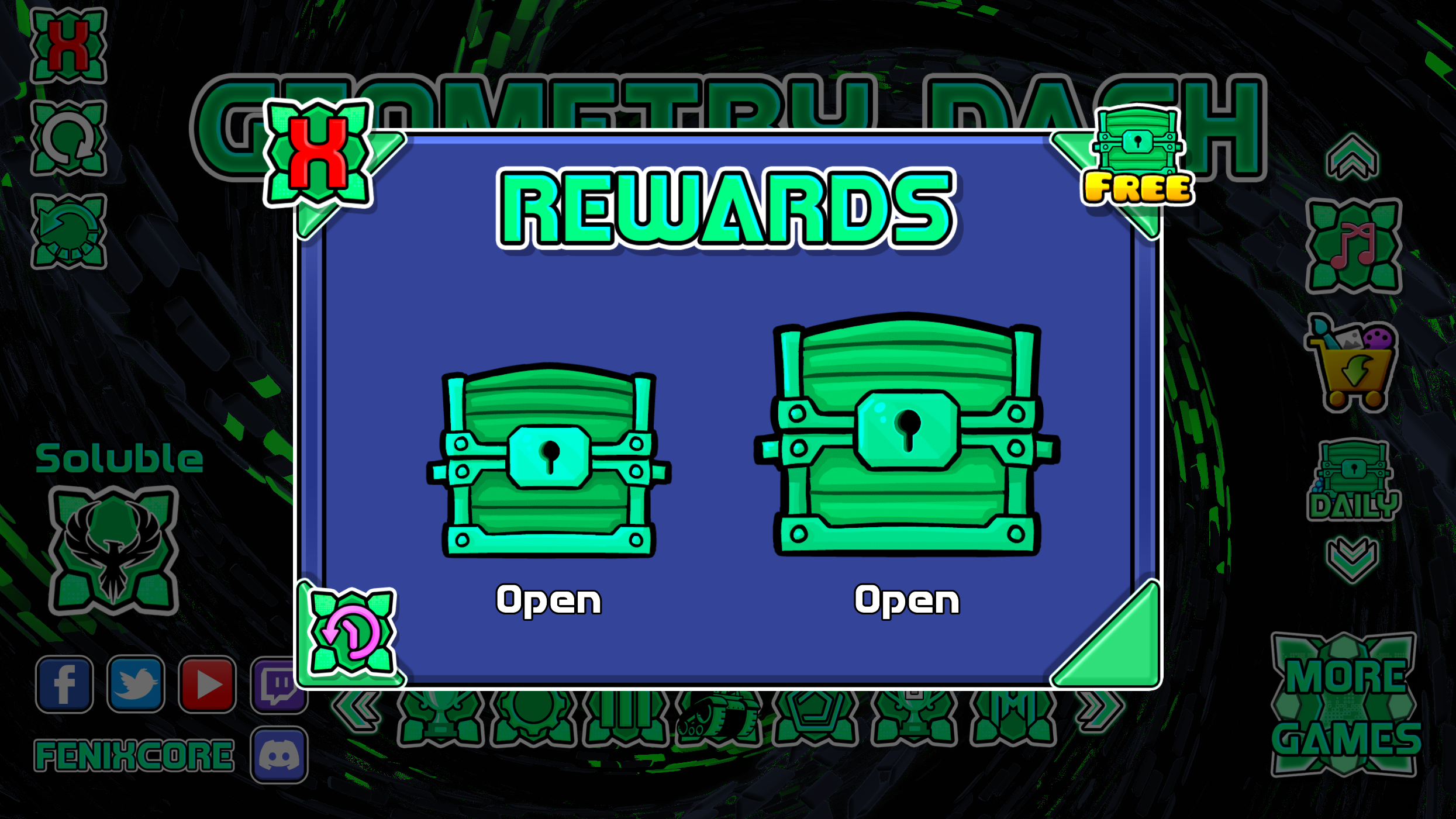
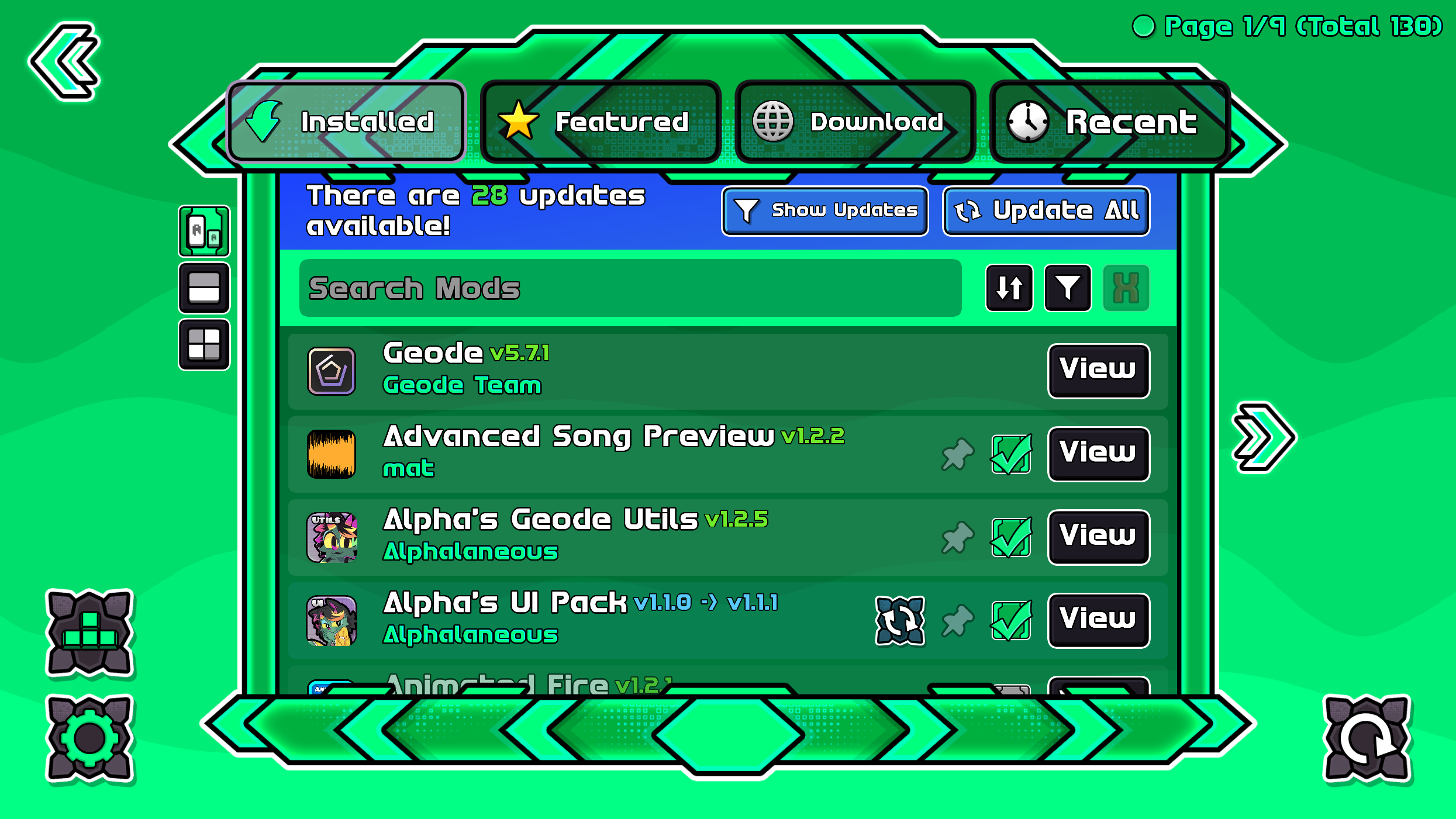
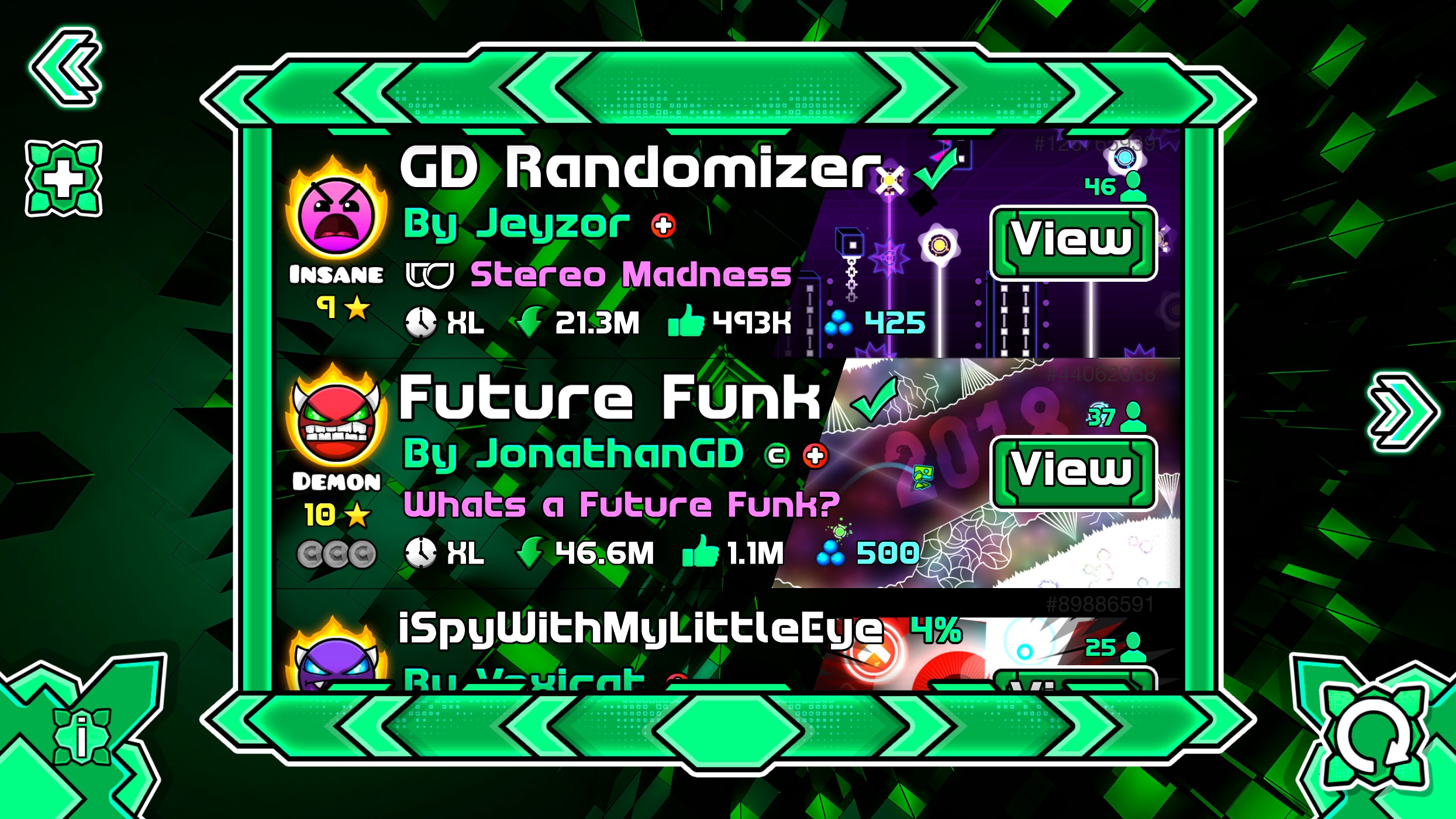
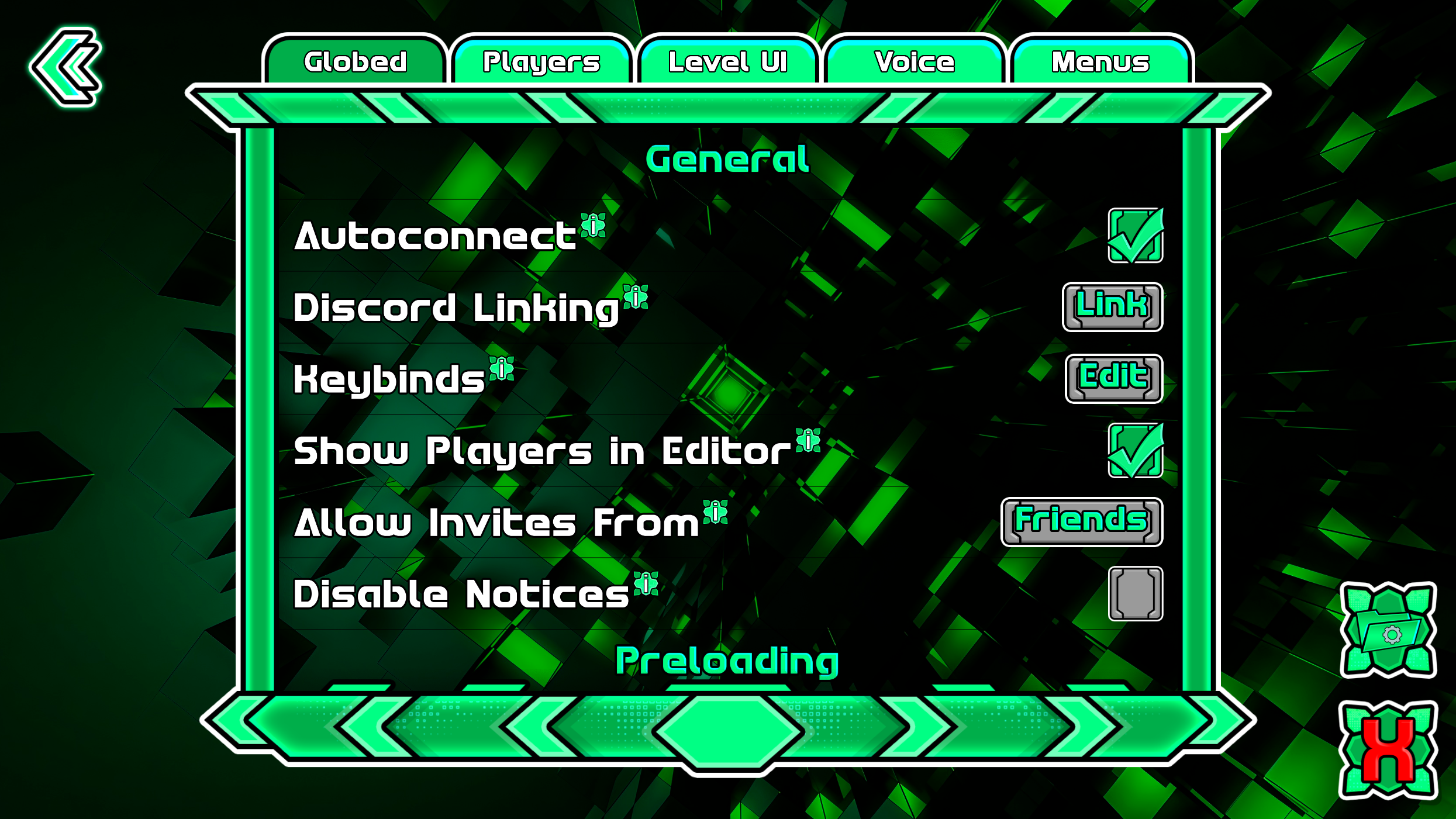
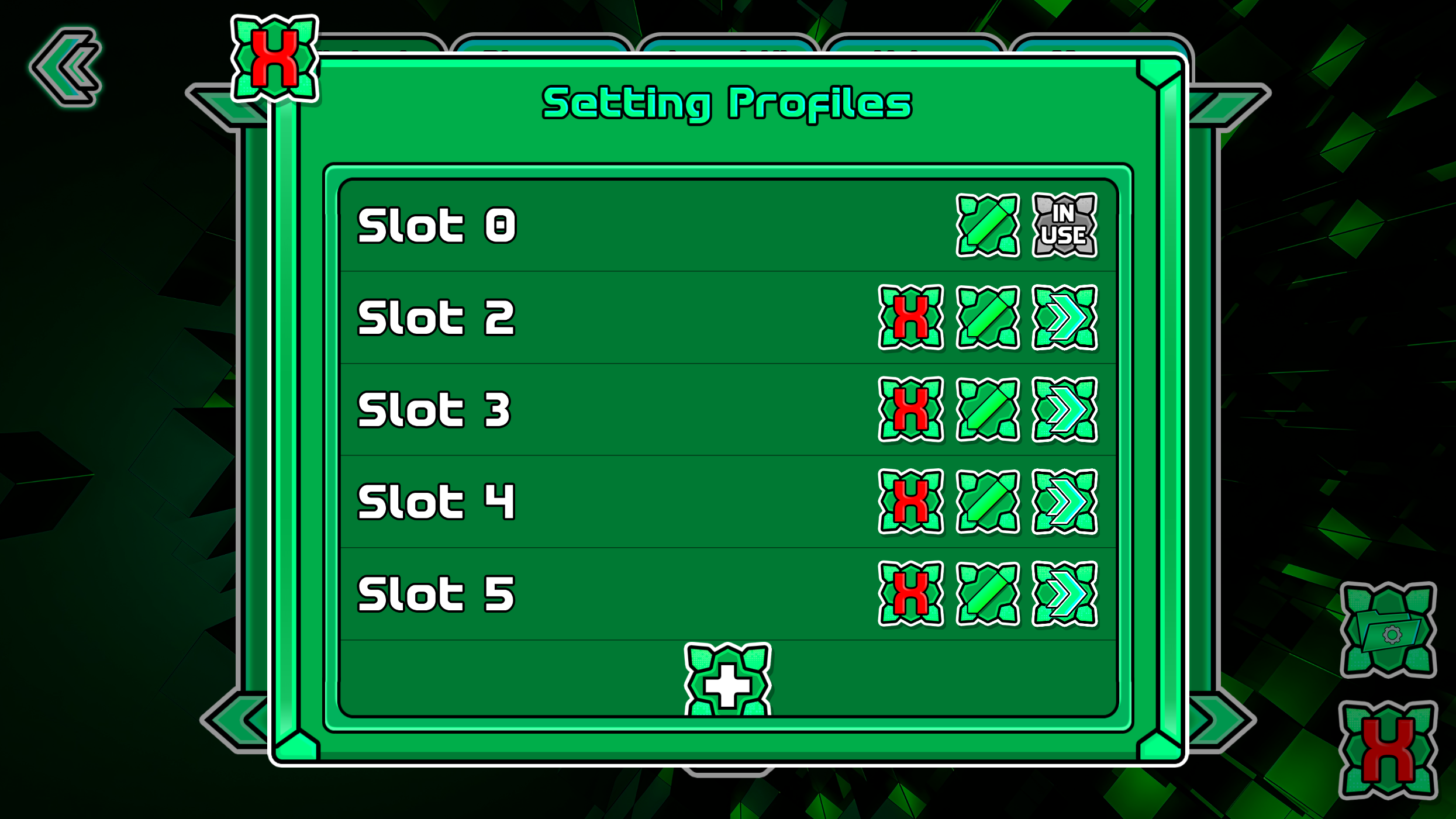
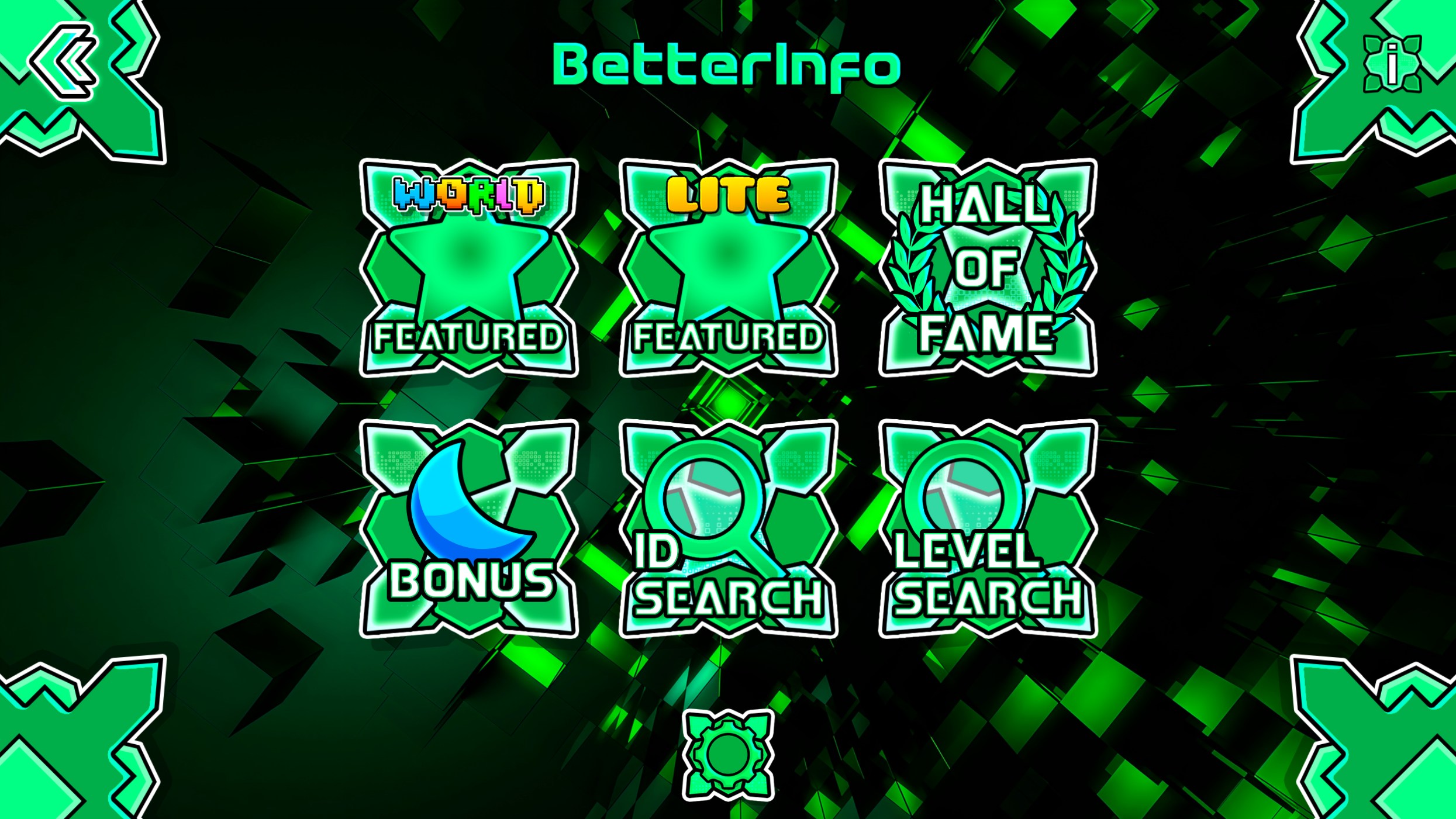
This section is purely informative regarding the global compatibility of our texture packs with Geode mods; you do not need to download anything extra here. Simply select the ‘Geode’ download option to get the textures. Once you have it, you should see a structure like this with the mods to install in Texture Loader. More detailed information can be found in “How to install”.

Geode Compatibility Info
Structure
Mod Structure Example

Recommend New Mods

If you want to recommend new mods, the requirements are that the mod must be popular and its textures should not already be included in Geode’s global sheet (BlankSheet-uhd.png). If it meets these conditions, you can suggest it through our Discord server.

Join Discord Server
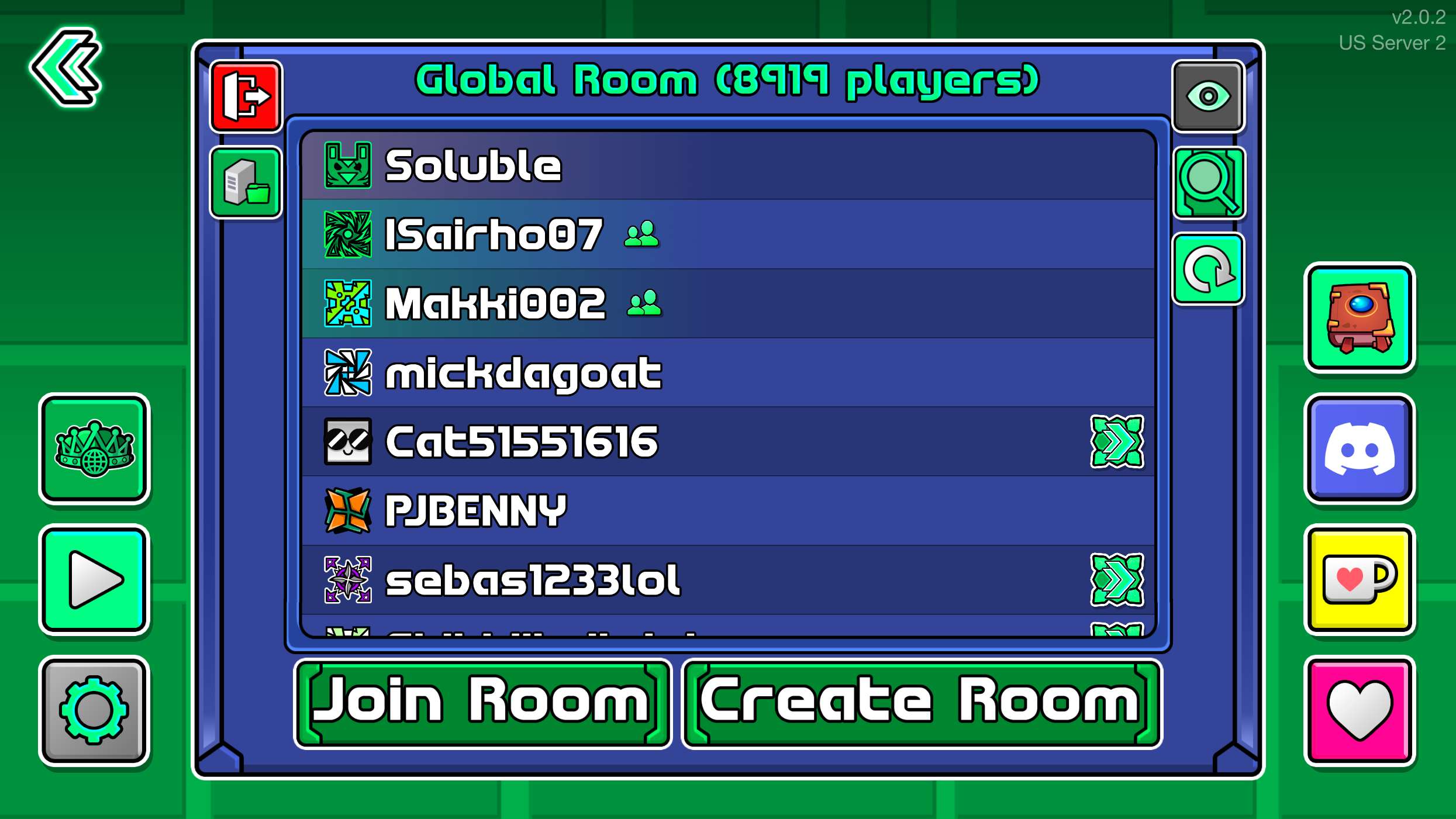
Discord Server Support Overview

Recognized mods will be implemented in all texture packs in a subsequent update round. We are constantly updating the supported list, and thanks to Individual Texturing by Happy Textures :3, textures will remain compatible even if a mod undergoes an update. We’ll see you there!

Geometry Dash Texture Packs FAQ (Safety, Installation, Compatibility & Performance)

FAQ
Are texture packs safe to download?

Yes, all files published on solubletexturepacks.com are manually reviewed before being shared. Texture packs only modify graphical elements of the game and do not contain executables (.exe) or malicious software. Additionally, we always recommend downloading only from official links on this website to avoid versions modified by third parties.

⚠️ Note: It is NEVER necessary to run .exe files to install a texture pack. If any file requests to be executed, we recommend not using it. It is not required to run an .exe file to have a texture pack in Geometry Dash.

If you use texture packs from this website, you can rest assured; we have a YouTube channel with over 10 years of experience in texture packs and a reputation to maintain. I am the official creator of the Texture Packs for recognized YouTubers like Doggie, Viprin, Riot, Technical, Npesta, Dorami, and Trusta. You can check the comments from real and satisfied users—we have a huge community! We are native Spanish speakers, so most YouTube comments will be in Spanish.

Is it safe to install Geode through AI Chatbots with one-click installation?

Absolutely NOT. Beware of videos claiming “one-click” Geode installs via AI bots or unofficial tools. These often contain malware designed to steal your data.

⚠️ Danger: These fake installers are malicious. Never trust a “one-click” installer from YouTube or a chatbot.

For your safety, only use the official website:

👉 https://geode-sdk.org/

Always verify the source before downloading anything related to Geometry Dash mods.

How do I install a texture pack? (Windows PC, Android, macOS, iOS, Linux & Geode)

For all platforms, you’ll need to follow this installation tutorial to learn the details of how to install it on each platform. See the guide below for more details.

How to Install
Can installing a Texture Pack cause me to be banned from Geometry Dash?

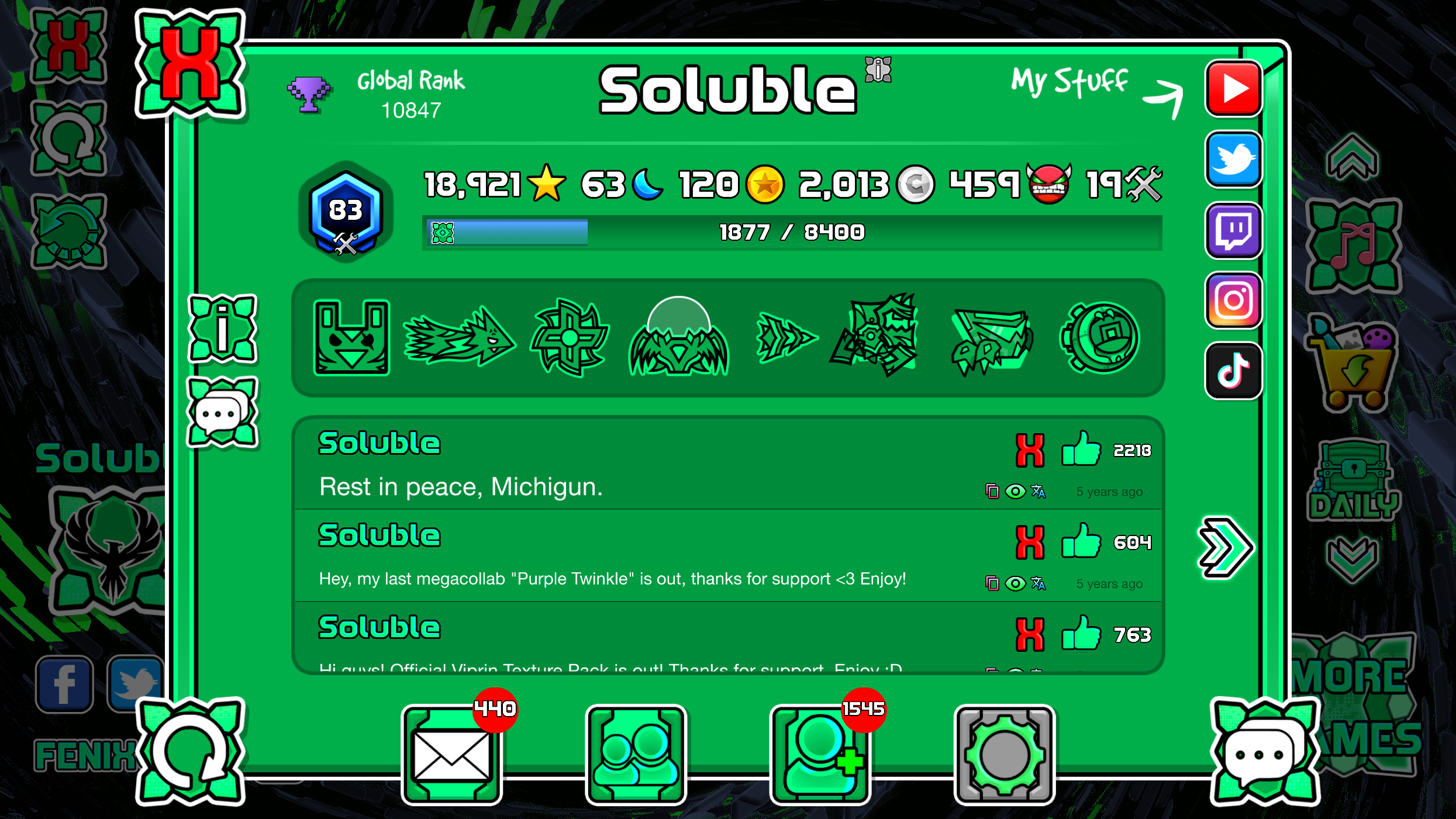
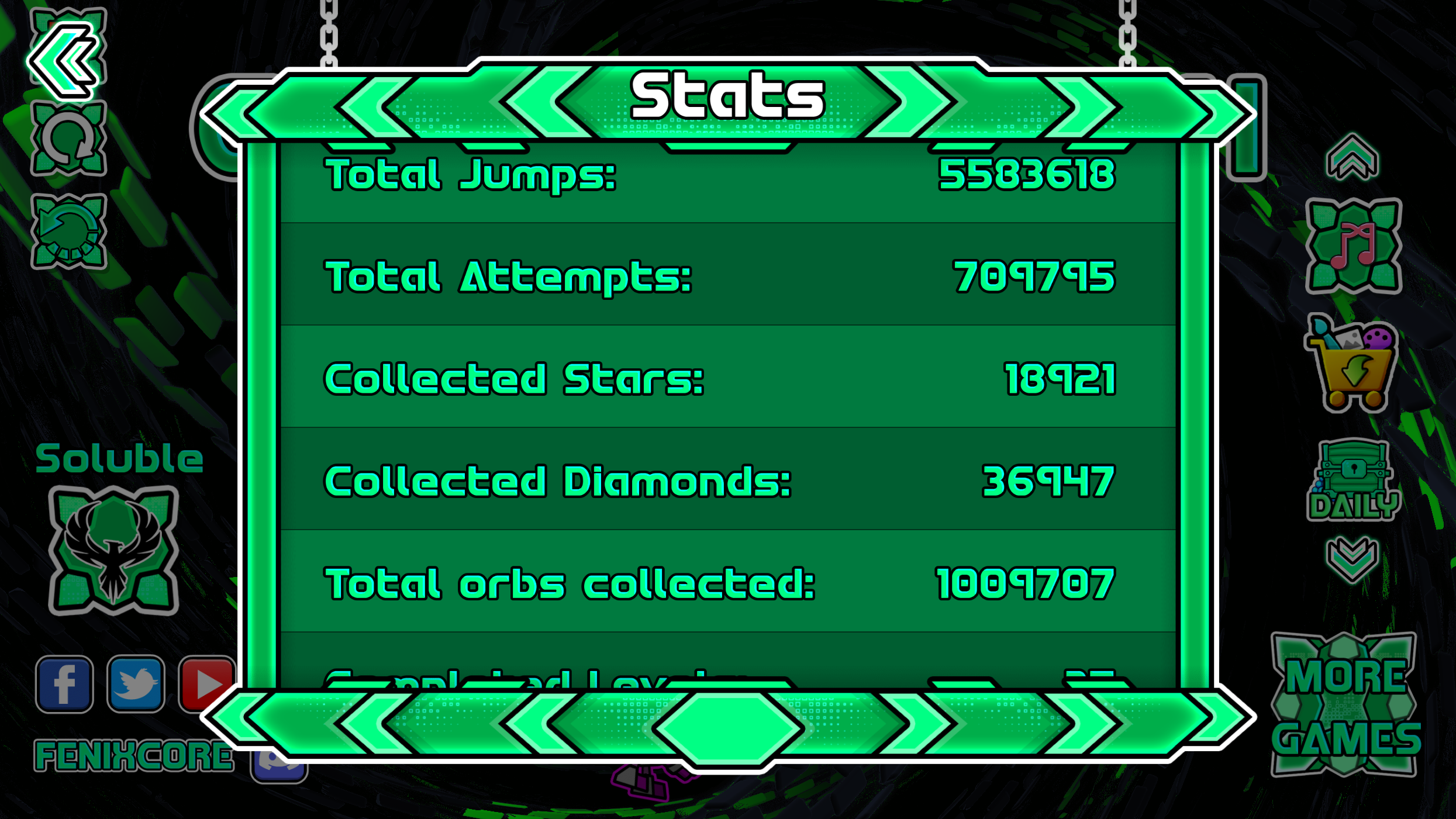
Obviously not. A texture pack is purely visual and part of the graphical environment; it doesn’t hack levels or inflate your star count, so you can rest easy. I have been creating texture packs for 10 years and have used hundreds of them—here is a screenshot of my account with a global ranking as proof of its safety.

Geometry Dash Account Validation
⚠️ However, using noclip hacks or finishing levels instantly can lead to a ban. If you misuse tools like MegaHack to cheat for infinite stars or coins, moderators will detect it instantly. I do not recommend using any hacks that affect global rankings. The user is ultimately responsible for the safety of their own account, regardless of the texture pack in use.
What about the Android version with unlocked icons, can I be banned?

No, none of the versions offered on solubletexturepacks.com will cause a ban, even with unlocked icons. Every time I share a pack, I test it to ensure it functions correctly. Since texture packs are local graphical modifications, other players won’t even see your unlocked icons unless they have the same mod.

Should I save my account before installing a texture pack?

Yes. For the safety of your data, please save your progress before and after installing a texture pack, changing packs, or uninstalling the game. We strongly recommend saving your data to the cloud frequently in your personal Geometry Dash account.

Do texture packs work in Geometry Dash 2.2?

Yes, they currently work for Geometry Dash 2.2 and above. To be certain, check the title of each post to see which exact version of the game it belongs to. Most packs on our HomePage are for the latest version.

Which version are the texture packs available for?

You will find the compatible version in the title of each texture pack. Most packs on the home page are for the current version, and I usually include a welcome banner for packs compatible with the latest update. The installation procedure remains the same for almost all versions; any changes will be noted in the “How to install” section.

Can I use texture packs on Steam / PC / Android / iOS?

Yes, they are usable on all platforms. We have detailed articles explaining the installation process for each one.

Do I need Geode to use a texture pack?

It depends on your platform. It is not required for vanilla Geometry Dash if you don’t want extra mods or plugins. However, if you want features like BetterInfo, Globed, or MegaHack v9, you will need the Texture Pack Loader mod from Geode. You can find a Geode installation guide in our “How To Install” section.

How to Install
Which mods are compatible with solubletexturepacks.com texture packs?

They are compatible with most mods thanks to Geode’s global sheet. We currently have over 40 mods with custom textures adapted by our texture packs. Check the list of compatible mods for Geode with our texture packs in this link:

Mod Compatibility List
Is Geode safe to install? Can it contain viruses?

Geode is entirely safe. It is an open-source project with hundreds of contributors on GitHub. The Geode team constantly verifies and audits the framework to ensure no malicious content is included. You can visit the official repository here: https://github.com/geode-sdk

Do Android texture packs work for 32-bit devices?

No. Texture packs are only available for the 64-bit version of Android. Managing and distributing packs for a tiny minority (32-bit users) is technically difficult and not cost-effective. However, if you support the site and reach out to me via my contact methods, I may be able to help you personally.

Do Android texture packs work for 64-bit devices?

Yes. Texture packs are primarily designed for 64-bit devices to ensure compatibility for the vast majority of Android users.

Do texture packs support Low quality?

No. Texture packs are currently designed only for Medium & High quality. The user base for low quality is too small to justify the complex development required. You will need to set your game to Medium quality if your device supports it.

Should I remove a previous texture pack before installing a new one?

Yes. For both Android and PC vanilla versions, we recommend removing any previous pack to prevent graphical conflicts or duplicate files. If you are using Geode’s Texture Pack Loader, this is not necessary as the loader handles switching between packs automatically.

What should I do if the texture pack isn’t working?

Please verify the following:

  • You are using the correct game version for the texture pack.
  • You have fully extracted the .zip file.
  • The files are placed in the correct directory.

If the issue persists, feel free to open a support ticket on our Discord server.

Do texture packs stop working after an official game update?

Yes. Game updates can change internal file structures. We work hard to update our packs as fast as possible; for instance, when version 2.2081 was released, our packs were ready within 24 hours. You can usually find updates here on solubletexturepacks.com within a day of any official release.

Why are the files in .zip format?

The .zip format is highly compatible across all platforms, efficient for storage, and helps save bandwidth on our servers. You only need a standard extractor like WinRAR (PC) or ZArchiver (Android). It is a practical and universal standard.

Do texture packs affect performance or FPS?

Not at all. Texture packs use the same file quality as the original game assets, so they shouldn’t cause any performance drops. If you are experiencing lag, it may be due to:

  • A specific Geode mod affecting stability.
  • Incorrect PC/Device configurations.
  • Too many background apps consuming RAM.

We recommend testing with a clean vanilla install to see if the performance issue persists without mods.

How can I get personalized support?

You can open a ticket for personalized support by joining our Discord server:

Join Discord Server
Discord Server Support Overview

You can open a ticket in the TP-Support channel

Discord TP-Support channel

All support is free—your visits to solubletexturepacks.com are what keep us going.

💡 Note: We do not accept requests for custom texture packs; custom packs are exclusive to official store buyers.
Texture Pack Shop
How can I get my own custom texture pack?

Currently, custom texture packs are only created for buyers in our official store. Some of the packs shared on this site were originally custom orders that the buyers allowed us to share publicly.

Texture Pack Shop
Can I upload my own texture pack to solubletexturepacks.com?

This site primarily hosts official packs created or ported by me (Soluble). However, if you are a creator and want me to review your pack on the site, reach out to me via my contact methods. Providing a YouTube video of your work is required. We can help provide publicity and views for your channel!

How can I support solubletexturepacks.com?

solubletexturepacks.com is an independent project by Soluble. To help us keep publishing free packs for the community, you can:

  • Visit regularly: Your traffic keeps the project alive.
  • Share: Recommend our packs to friends or on social media.
  • Join Discord: Help us report bugs and stay updated.
  • Use official links: Avoid third-party mirrors to ensure safety.

You can also support us financially by purchasing a custom pack:

Texture Pack Shop

💚 Thank you for being part of the community and supporting solubletexturepacks.com!

Geometry Dash 2.2081 FenixCore Texture Pack Renewed Version

Download FenixCore Texture Pack Renewed Version
for Geometry Dash 2.2081

Download
Texture Pack for Geometry Dash 2.2081 Available on PC and Android 2.2.144 version.

AVAILABLE FOR GEOMETRY DASH 2.2081


Texture Pack NOCUSTOM PORTALSVERSIONFOR 2.2081


Rating: 5 out of 5.

You can see my new texture packs. You just have to subscribe.

A stylized logo featuring a red dragon-like creature with yellow accents and the word 'Soluble' written below it.

PLEASE BACKUP YOU DATA ONLINE BEFORE THIS
I am not responsible for any data loss

A green and yellow button with the text 'ACCOUNT' in a bold, chunky font, used in a video game interface.

New Texture Pack

Red and yellow cartoon-style icon with a playful face, featuring a central red body with two yellow ends and black outlines.

TEXTURE PACK SHOP
Buy your texture pack in the official Soluble shop.

Characteristics

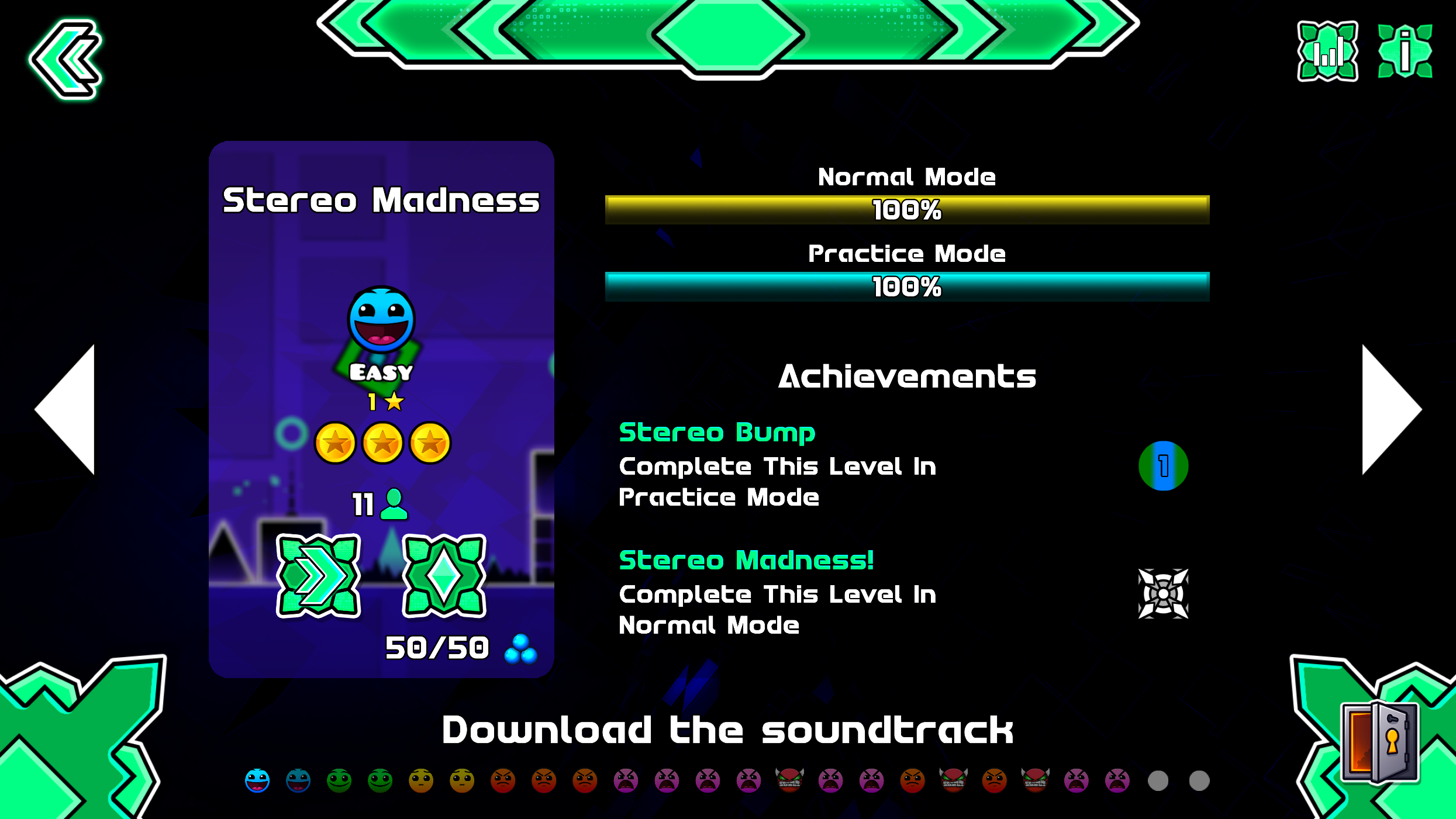
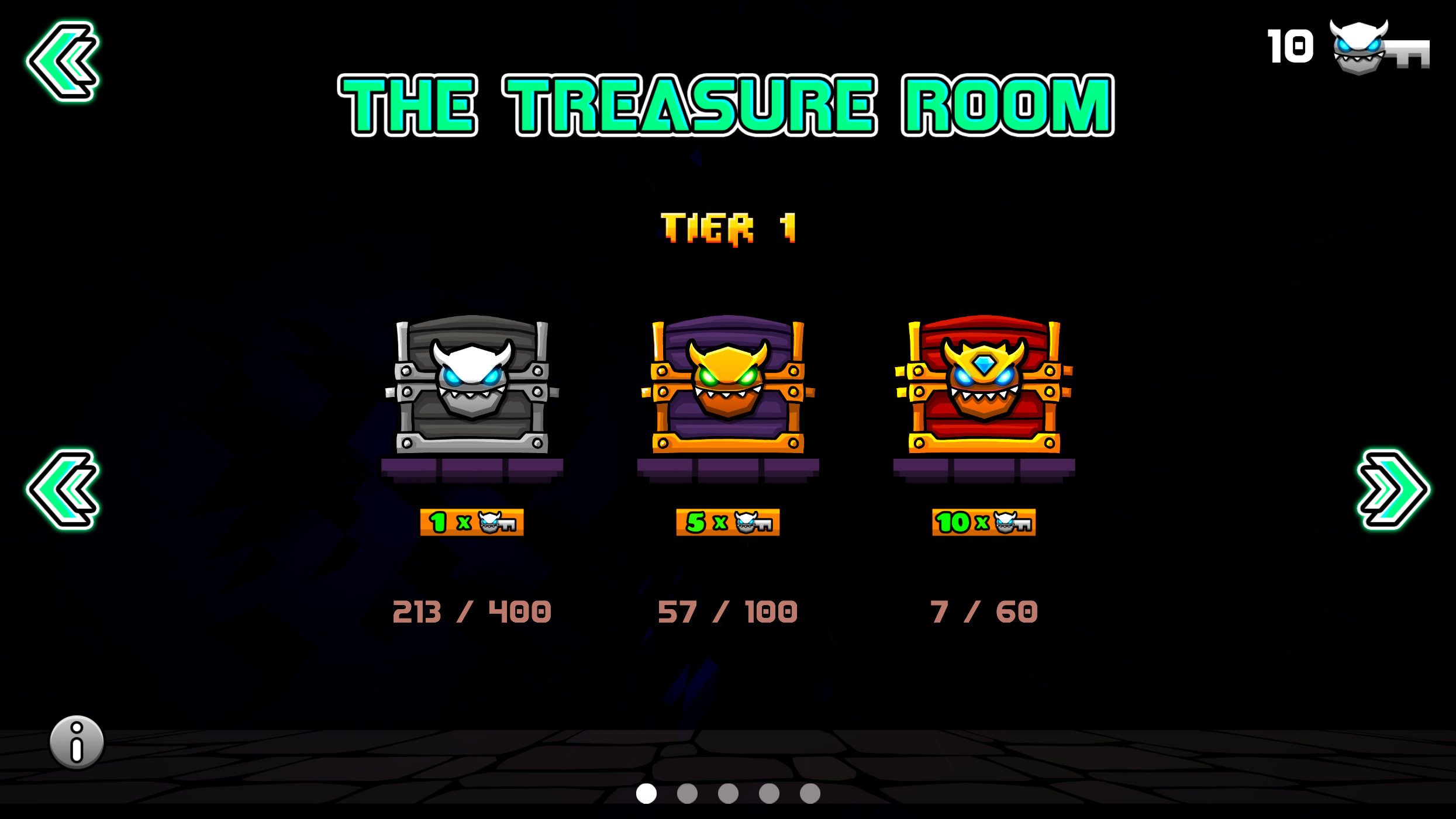
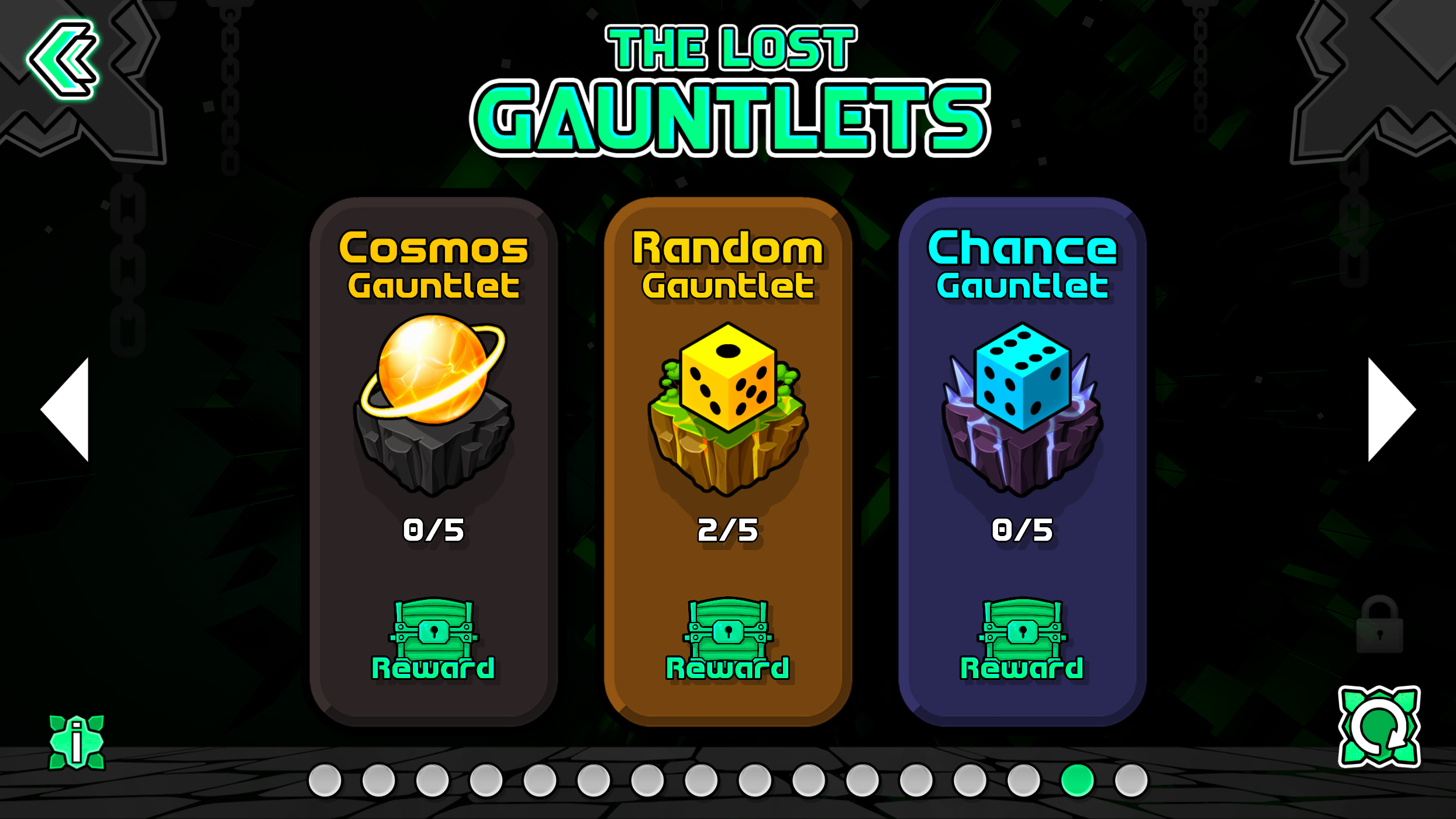
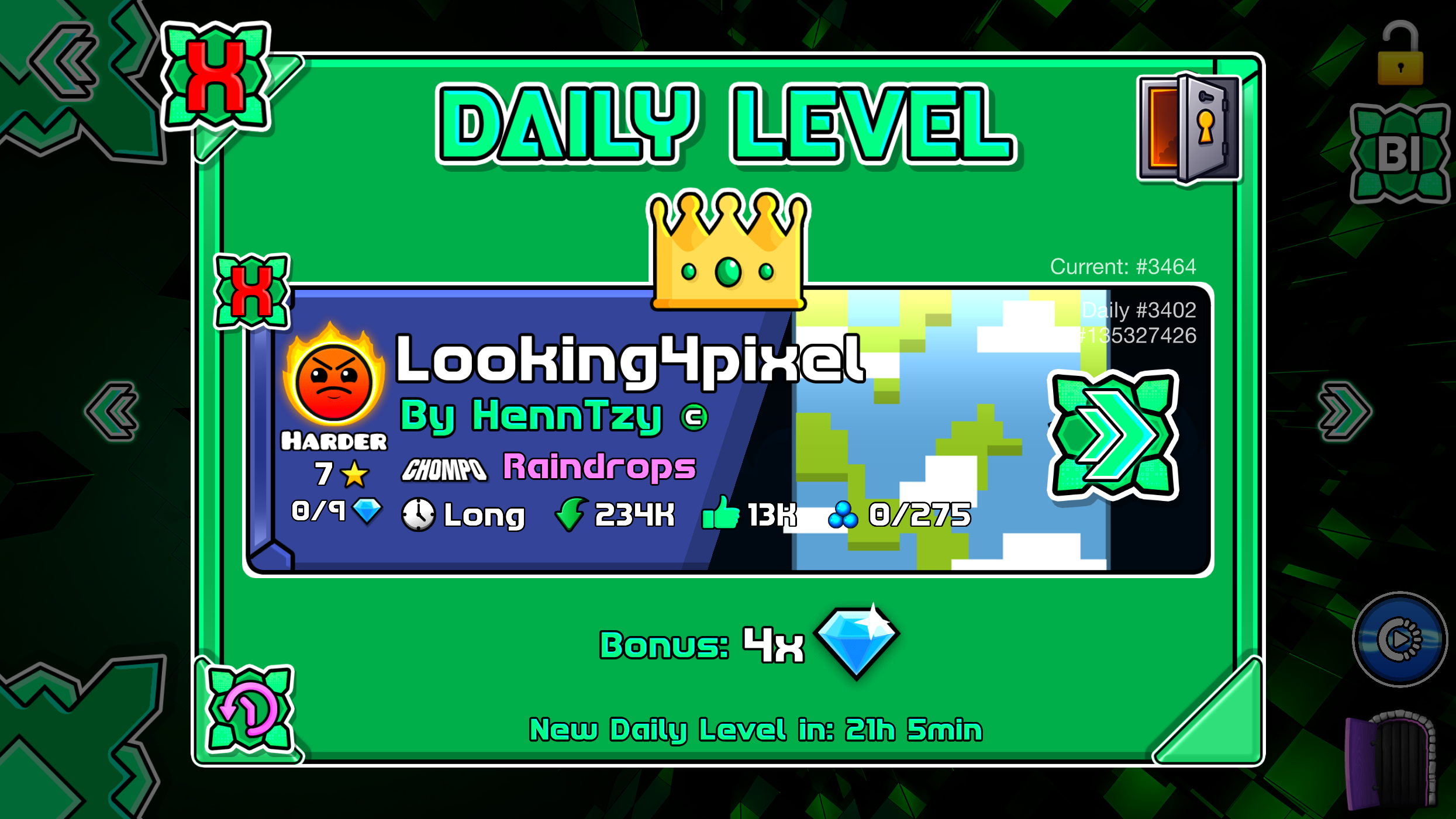
  • New Menu
  • New Portals
  • Creator Menu
  • Color Buttons
  • Button Design
  • Secondary Menu
  • New Icons
  • Medium & High Graphics
  • Android v2.2.144
  • Icons
  • Geometry Dash 2.2081

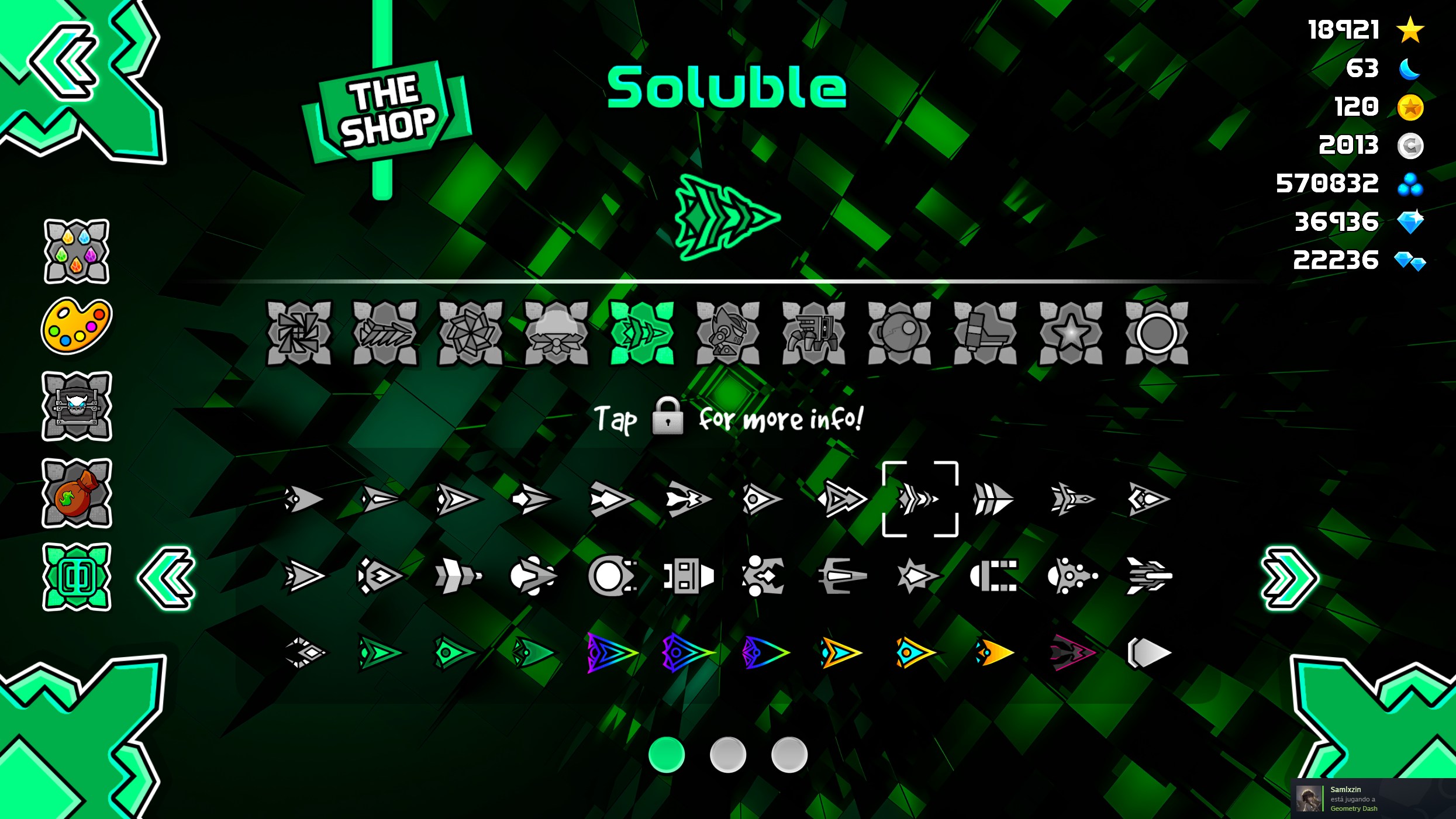
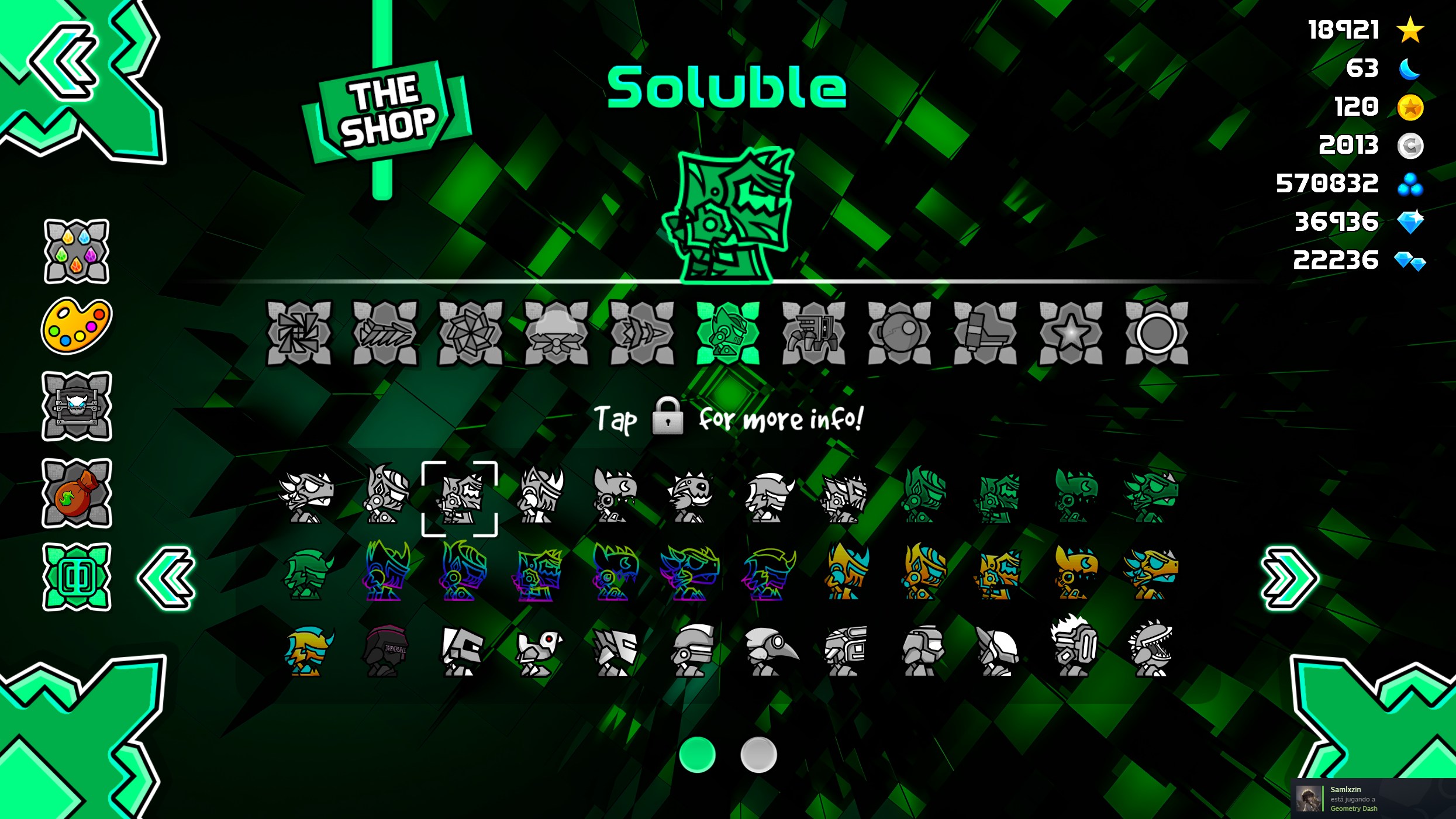
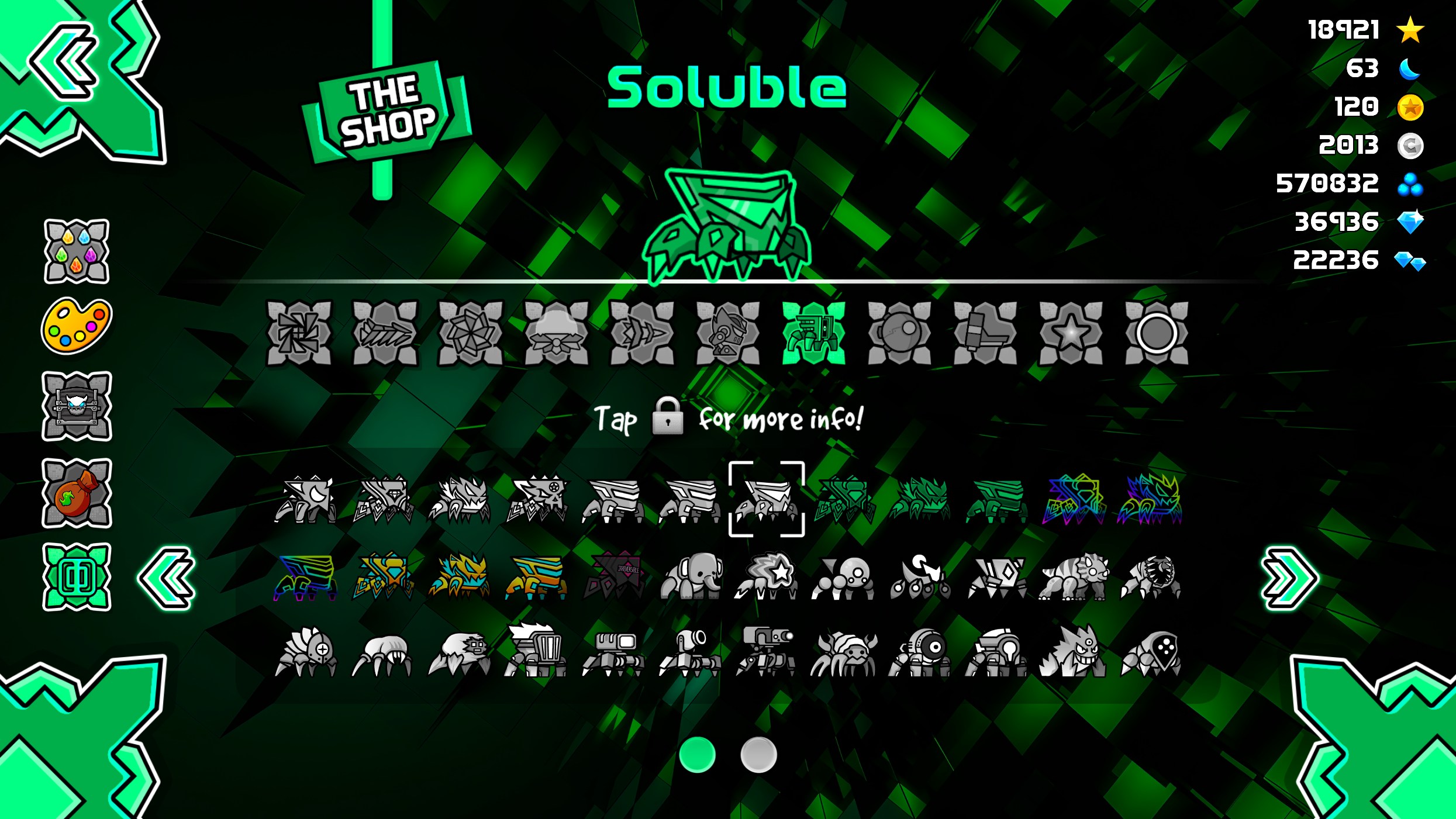
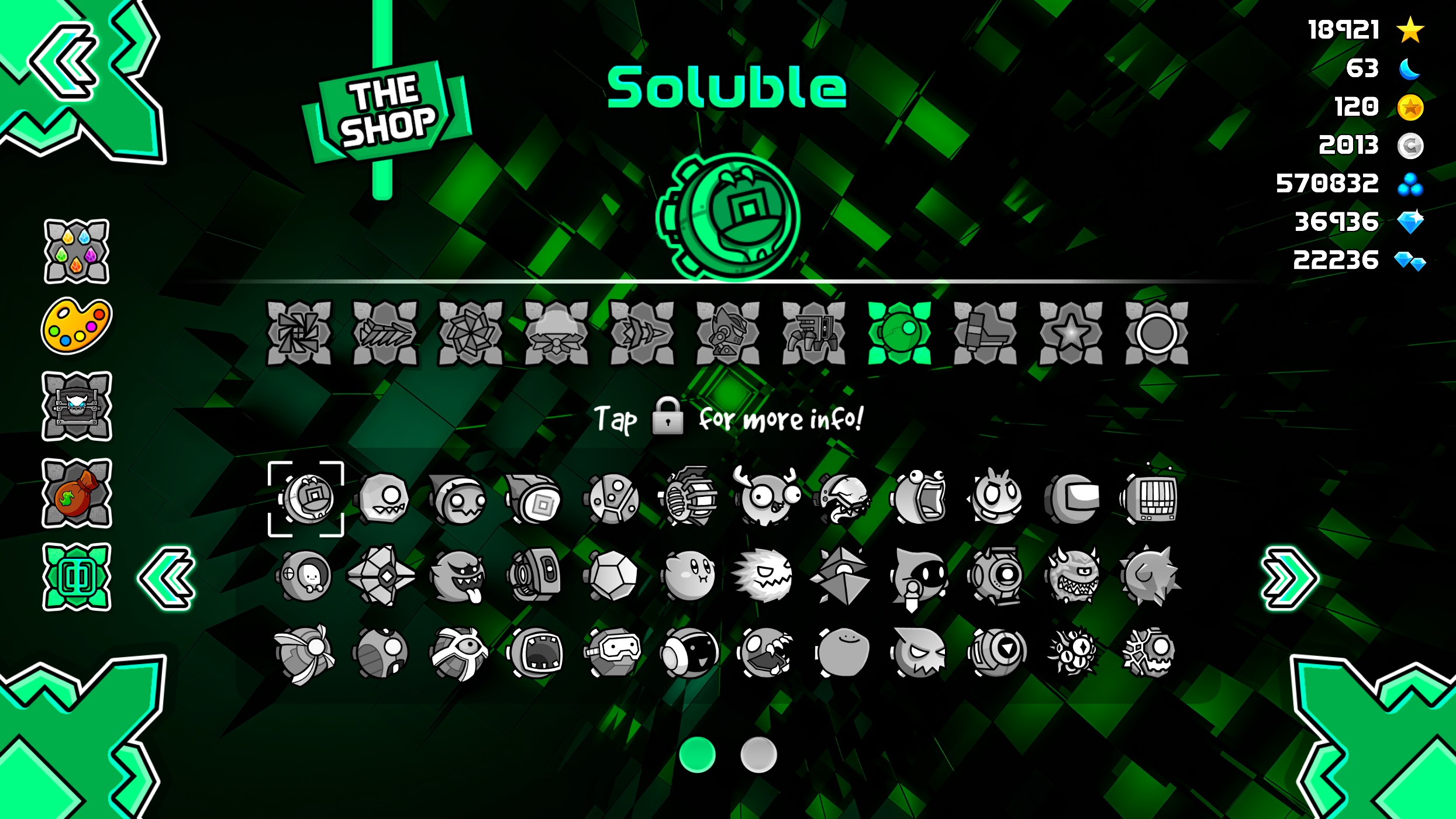
Gallery

Remember to buy Geometry Dash on the official webstore.

Related Entries